Custom password generation
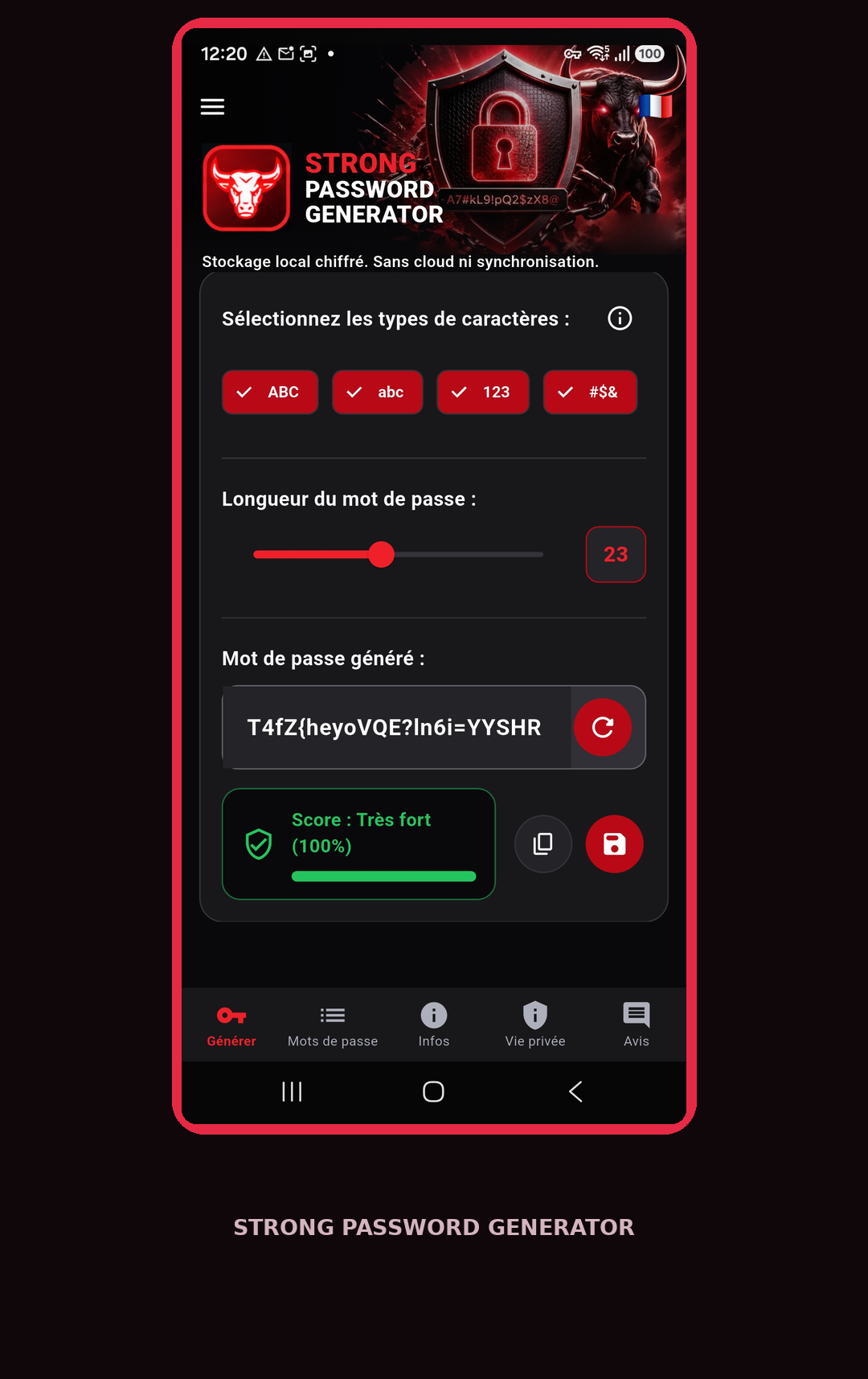
Choose length, uppercase and lowercase letters, numbers and symbols. Your preferences are saved.
Generate strong, customizable passwords. Keep them in an encrypted vault on your Android device, with no cloud sync.
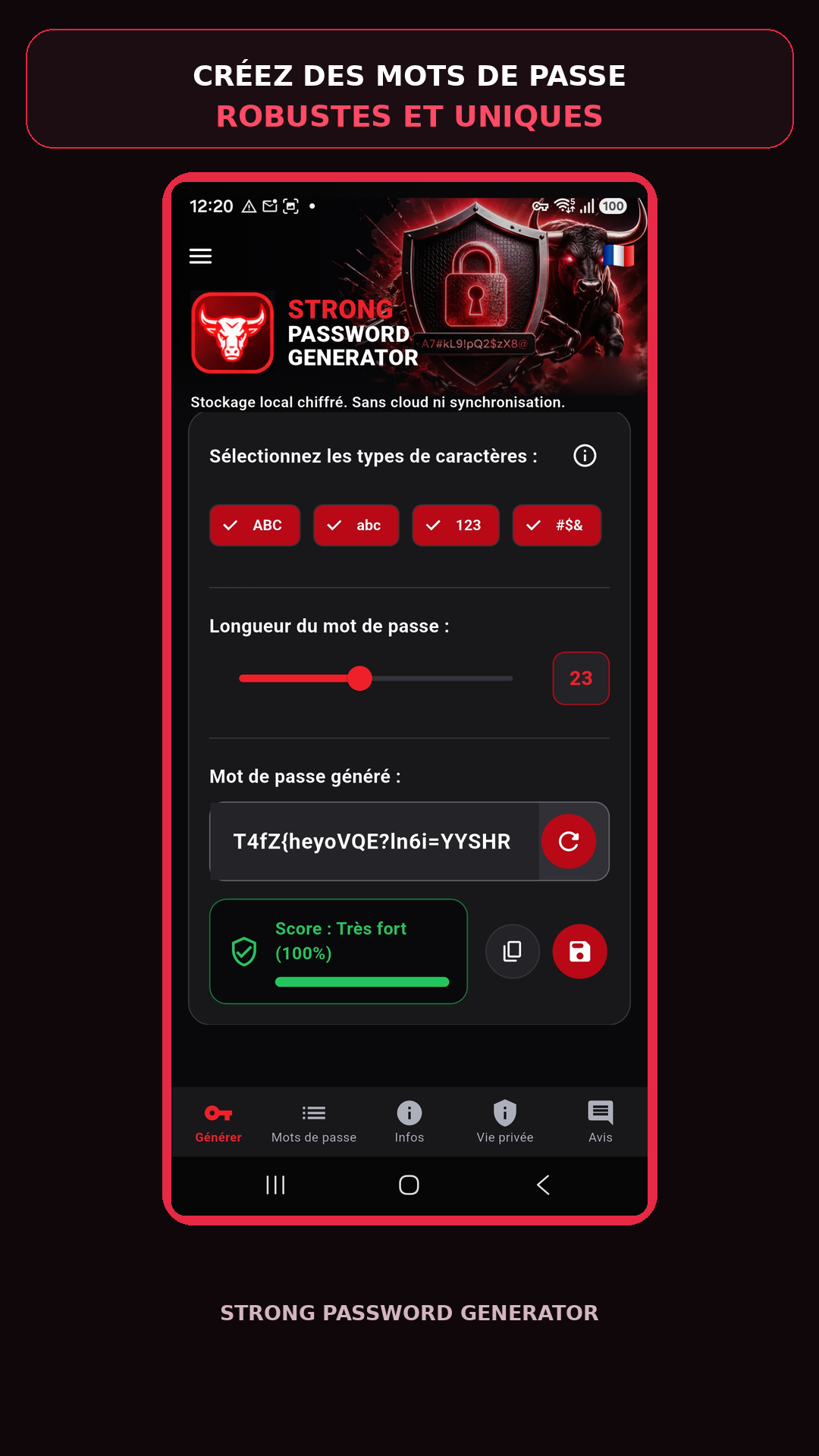
Everything you need to create, save and find your passwords.
Choose length, uppercase and lowercase letters, numbers and symbols. Your preferences are saved.
Check the strength of each generated password before using it.
Store your passwords locally with AES-256-GCM encryption.
Get a warning when a password is already used for another entry.
Back up and restore your vault using an encrypted export file.
Your passwords stay on your device. No online account is required.
Real screenshots of the Android app, presented with promotional artwork.
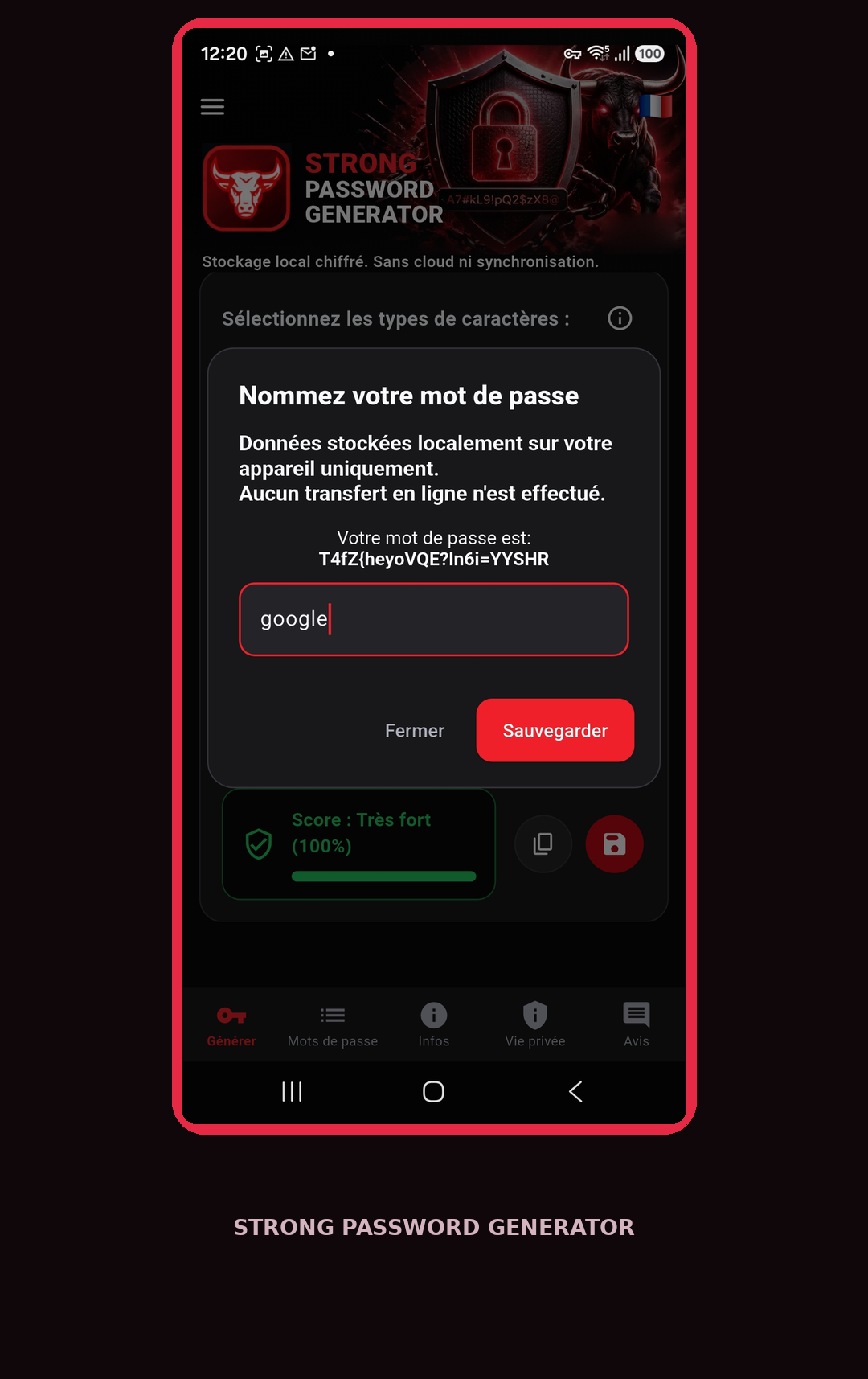
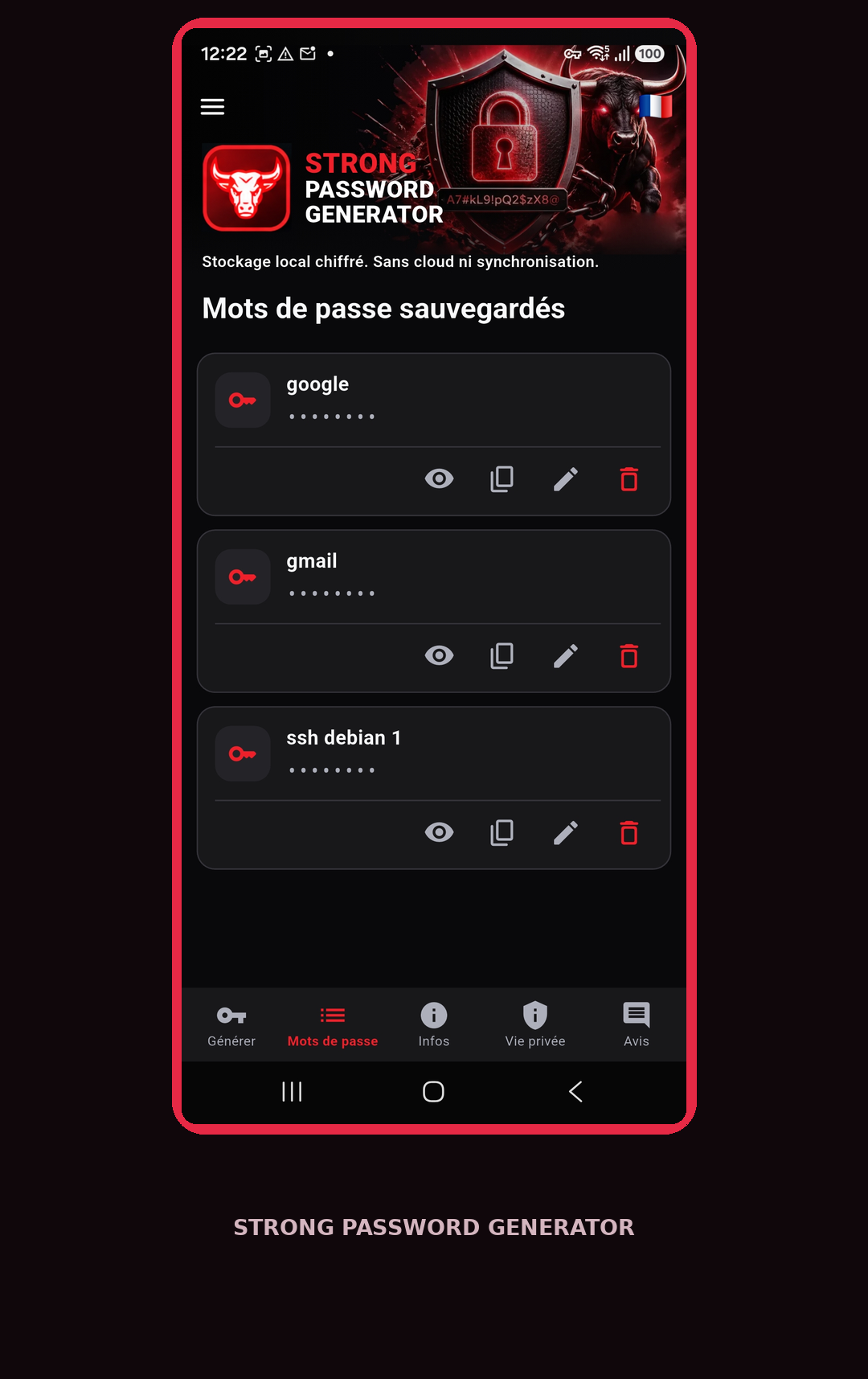
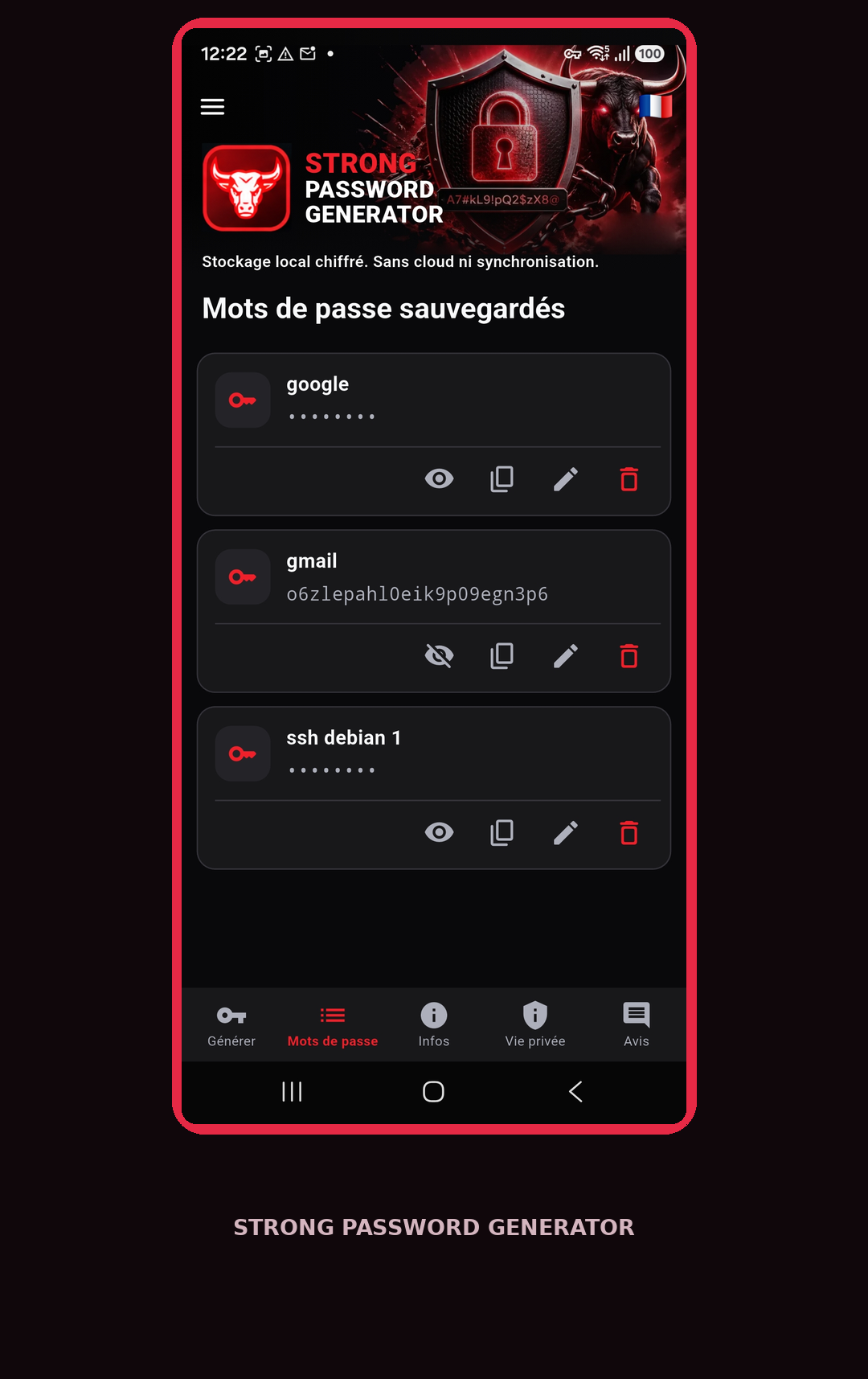
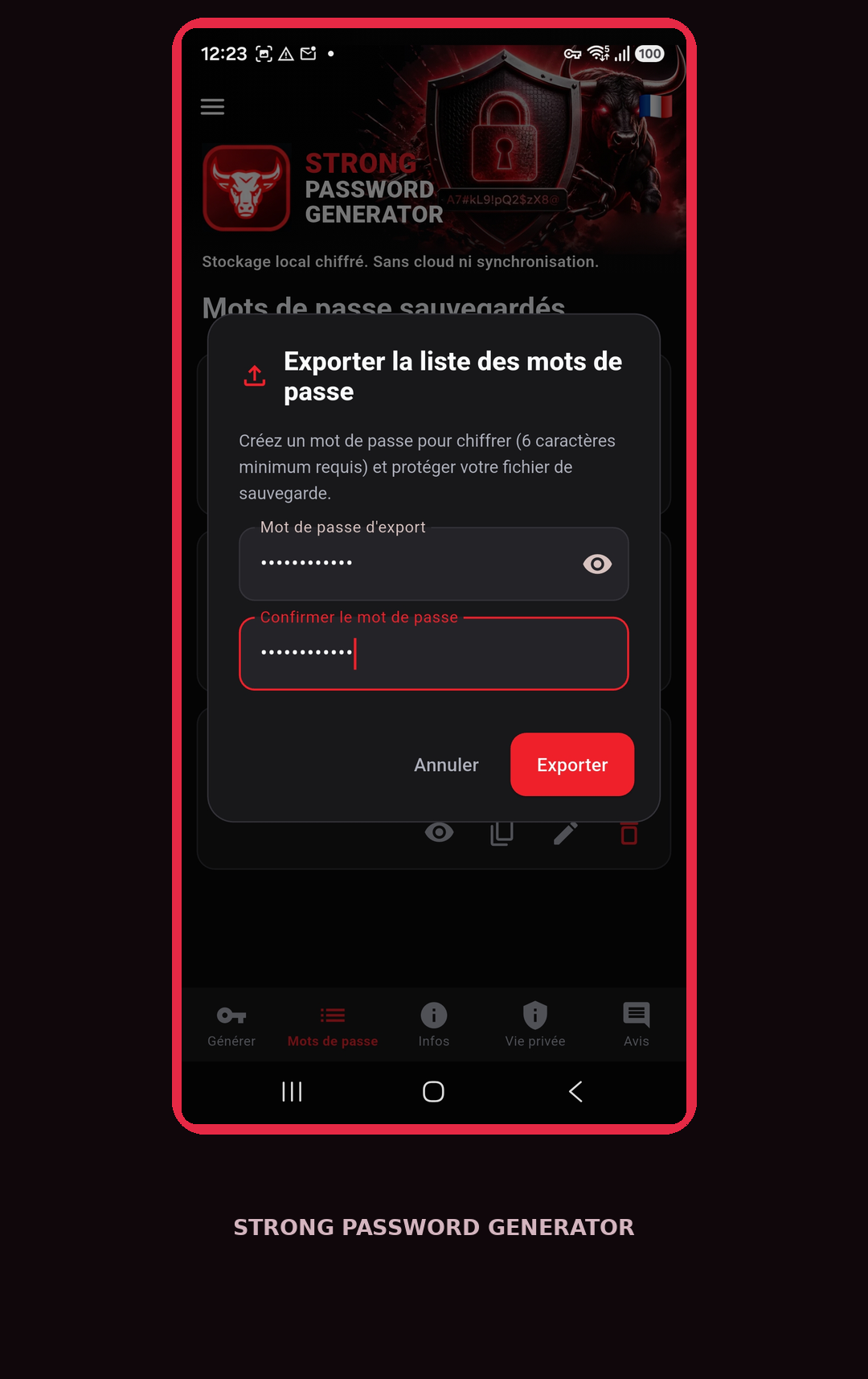
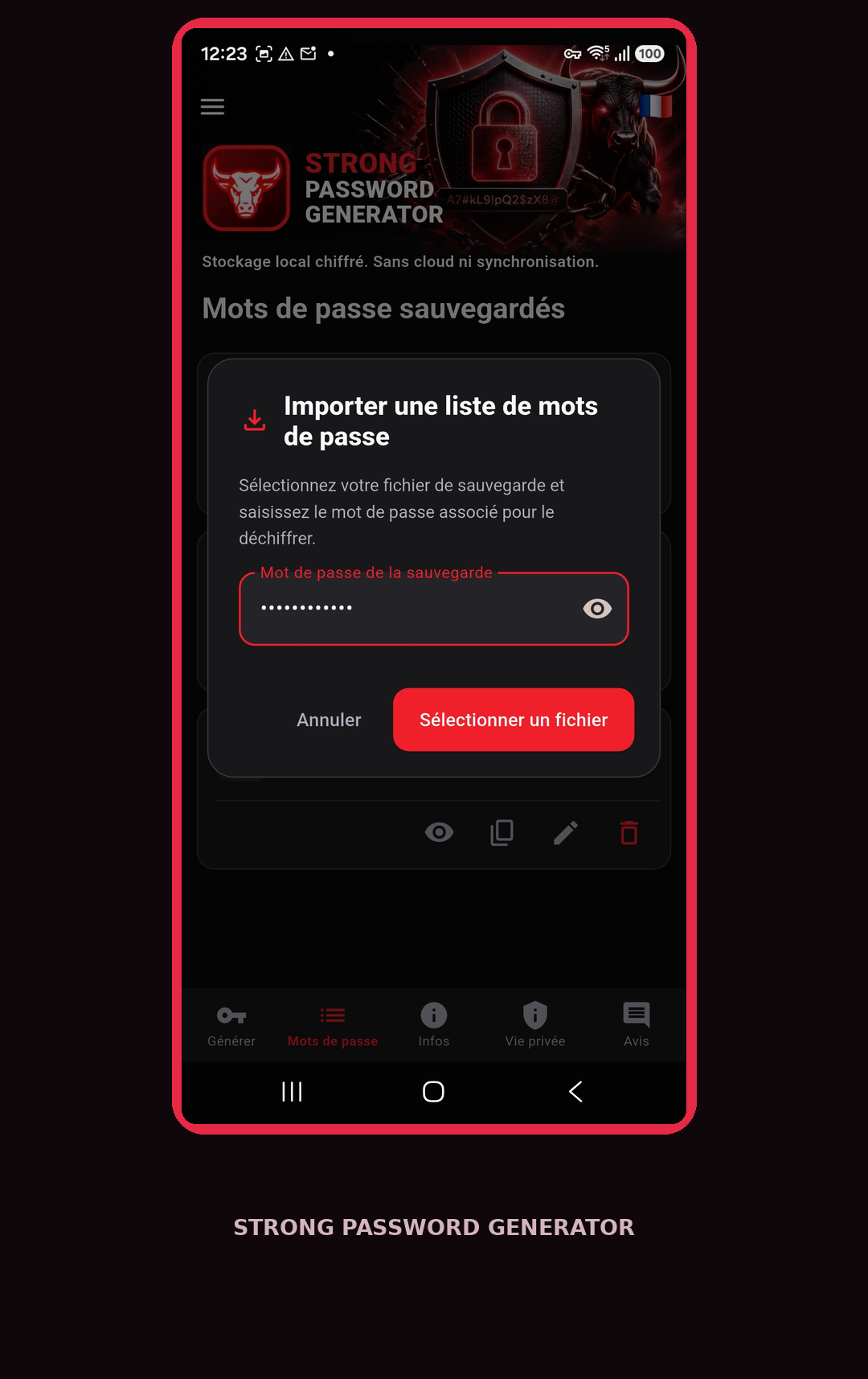
The vault encrypts passwords before storing them on your device. Exported backups are encrypted too.
With no cloud synchronization, you stay in control of your data and backups.
Learn about privacy FOR ANDROID
Strong Password Generator for Android. The official Google Play link is coming soon.
Download on Google Play